Top 12 Bootstrap 5 Components Every Developer Should Know
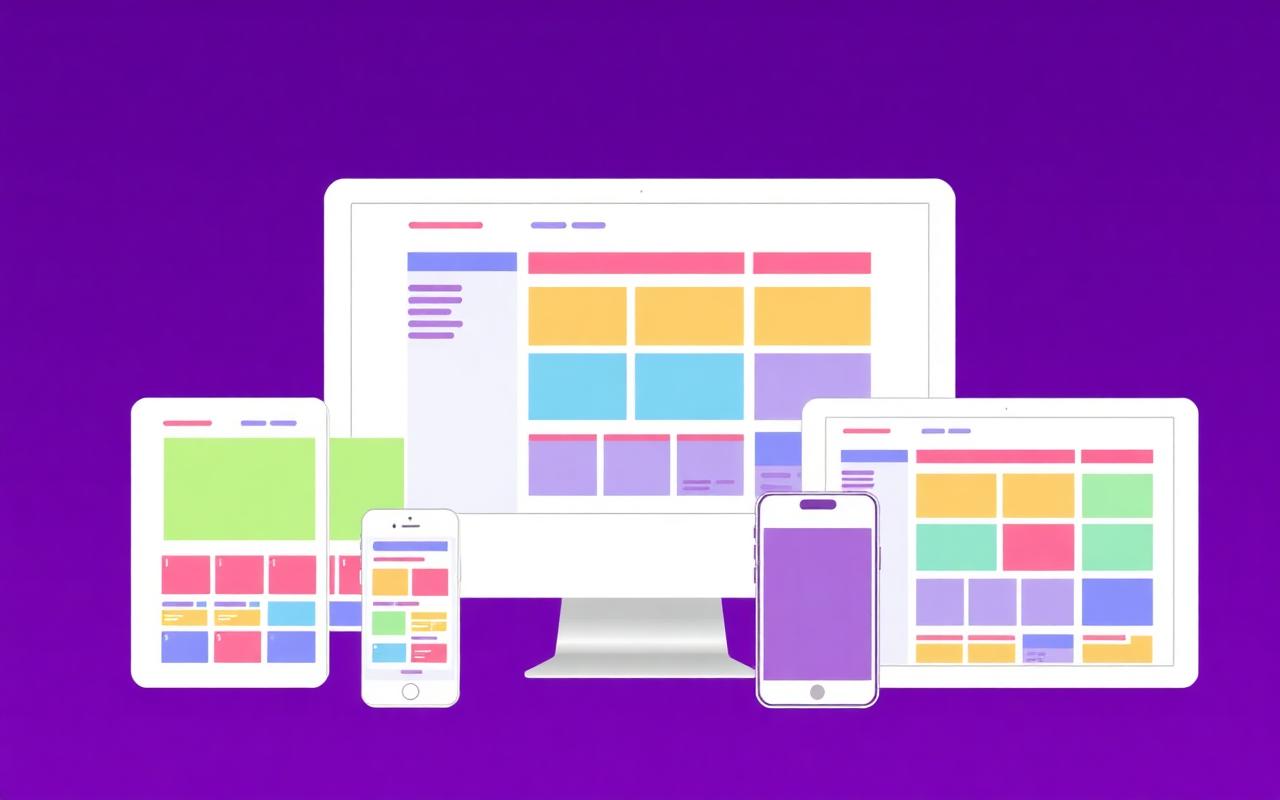
Bootstrap 5 ships ready-made components for nearly every UI pattern I've ever needed on a client project. On the PHP/Laravel admin panels I build day-to-day, these twelve are the ones I reach for again and again — most projects use eight of them within the first hour. Learn them once and you'll prototype faster than you can sketch on paper.
The 12 components ranked by how often I use them
- Navbar — responsive top navigation with mobile toggler baked in
- Cards — the universal content container
- Modal — dialog popups without touching JS
- Offcanvas — slide-in panels for mobile menus and filters
- Accordion — collapsible sections (FAQs, sidebars)
- Toast — non-blocking notifications
- Carousel — image sliders (use sparingly — they hurt Core Web Vitals)
- Dropdown — menus and select-like UI
- Tabs & Pills — section switchers
- Forms — inputs, validation, and floating labels
- Buttons & Button Groups — actions and toolbars
- Pagination — page navigation for tables and search results
Example 1: a minimal modal
<button class="btn btn-primary" data-bs-toggle="modal" data-bs-target="#demo">Open</button>

<div class="modal fade" id="demo" tabindex="-1" aria-hidden="true">
  <div class="modal-dialog modal-dialog-centered">
    <div class="modal-content">
      <div class="modal-header">
        <h5 class="modal-title">Delete this record?</h5>
        <button type="button" class="btn-close" data-bs-dismiss="modal" aria-label="Close"></button>
      </div>
      <div class="modal-body">This action can't be undone.</div>
      <div class="modal-footer">
        <button class="btn btn-secondary" data-bs-dismiss="modal">Cancel</button>
        <button class="btn btn-danger">Delete</button>
      </div>
    </div>
  </div>
</div>
Example 2: a responsive navbar
<nav class="navbar navbar-expand-lg bg-body-tertiary">
  <div class="container">
    <a class="navbar-brand" href="/">Acme</a>
    <button class="navbar-toggler" data-bs-toggle="collapse" data-bs-target="#nav">
      <span class="navbar-toggler-icon"></span>
    </button>
    <div class="collapse navbar-collapse" id="nav">
      <ul class="navbar-nav ms-auto">
        <li class="nav-item"><a class="nav-link" href="/pricing">Pricing</a></li>
        <li class="nav-item"><a class="nav-link" href="/docs">Docs</a></li>
      </ul>
    </div>
  </div>
</nav>
Example 3: Offcanvas as a mobile menu
Bootstrap's Offcanvas is my favourite hidden gem — the perfect fit for mobile navigation and filter drawers on Laravel admin panels.
<button class="btn btn-primary" data-bs-toggle="offcanvas" data-bs-target="#filters">
  Filters
</button>

<div class="offcanvas offcanvas-end" id="filters">
  <div class="offcanvas-header">
    <h5>Filters</h5>
    <button class="btn-close" data-bs-dismiss="offcanvas"></button>
  </div>
  <div class="offcanvas-body">…</div>
</div>Accessibility notes I always add
- Every modal needs aria-labelledby pointing at the modal title
- Every button-that-isn't-a-button needs role="button" and keyboard handlers
- Icon-only buttons need aria-label
- Offcanvas and Modal should trap focus — Bootstrap does this for you, don't fight it
Frequently asked questions
Can I use Bootstrap components without jQuery?
Yes — Bootstrap 5 dropped jQuery completely and rewrote everything in vanilla JS. If you find a tutorial that still uses $(), it's for Bootstrap 4 or earlier.
Which JS file should I include?
For most sites, bootstrap.bundle.min.js — it includes Popper (needed for dropdowns and tooltips). Only pick the separate files if you're bundle-size obsessed and don't use those components.
Are carousels bad for SEO?
They can hurt Largest Contentful Paint if the first slide is a big image. If you must use one, preload the first slide's image and lazy-load the rest.
Do I need to write custom CSS with Bootstrap?
Way less than you think. Utility classes cover 80% of tweaks; component overrides via Sass variables cover most of the rest. In a typical Laravel project I write under 200 lines of custom CSS.
External references
Enjoyed this article?
Share it with a fellow developer or explore more tutorials in our blog.
More articles